Timer
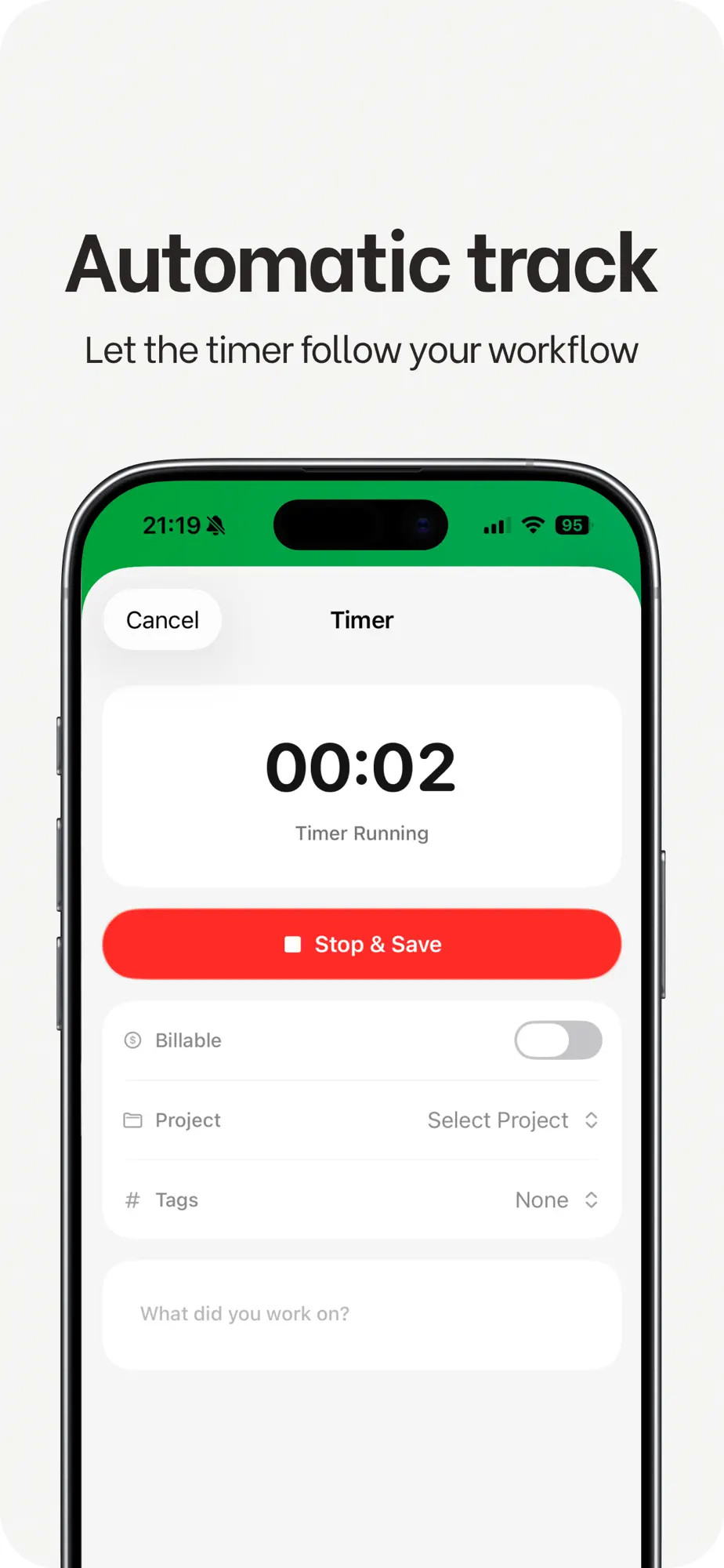
Let the timer follow your workflow.
Start the smart work timer when you begin and stop it when you’re done. Every session adds to your hours and your income.
- Smart work timer
- Income and hour tracking
Utilities · iPhone & iPad
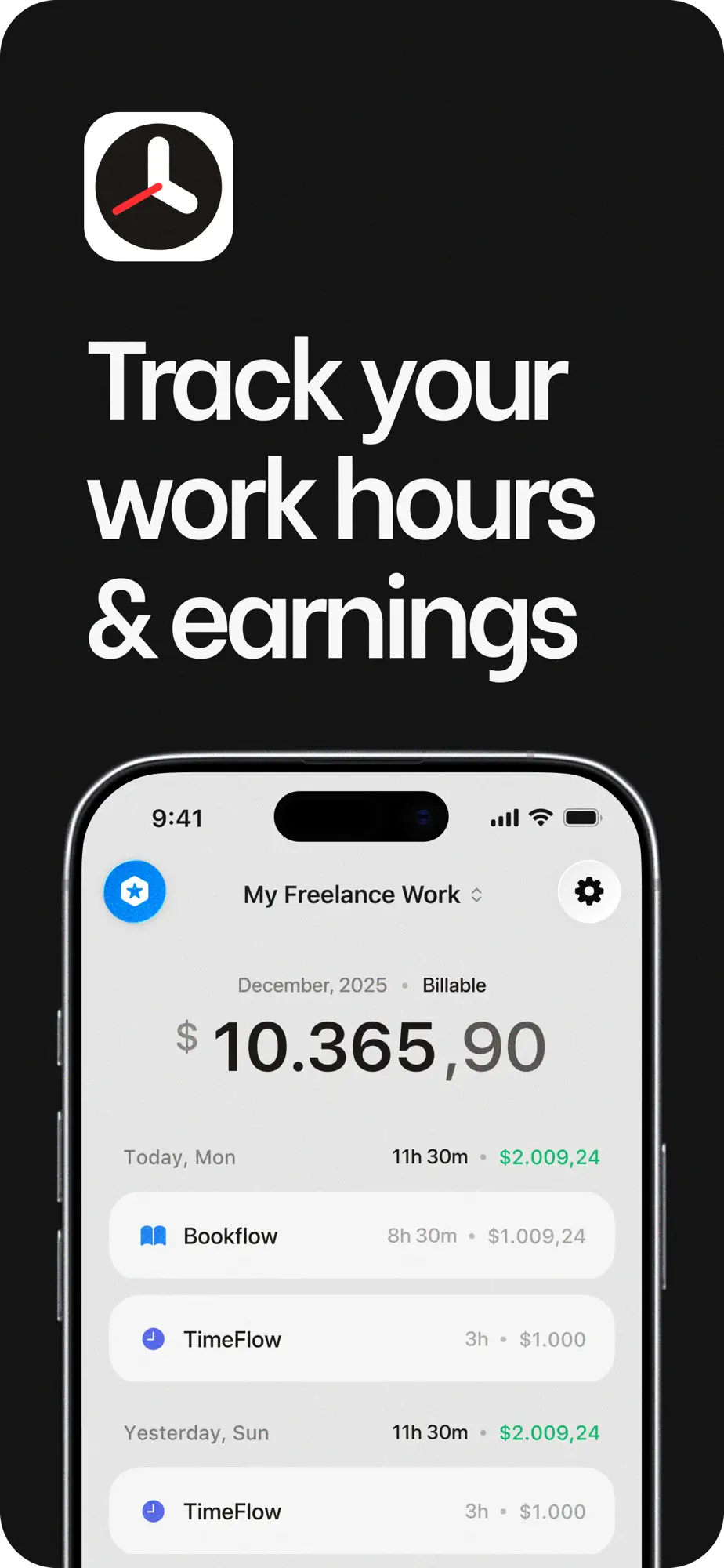
Whether you work freelance, part-time, remote or per task, start the timer, log your jobs and watch your income grow.
Free on the App Store · iOS 18 or later
Features
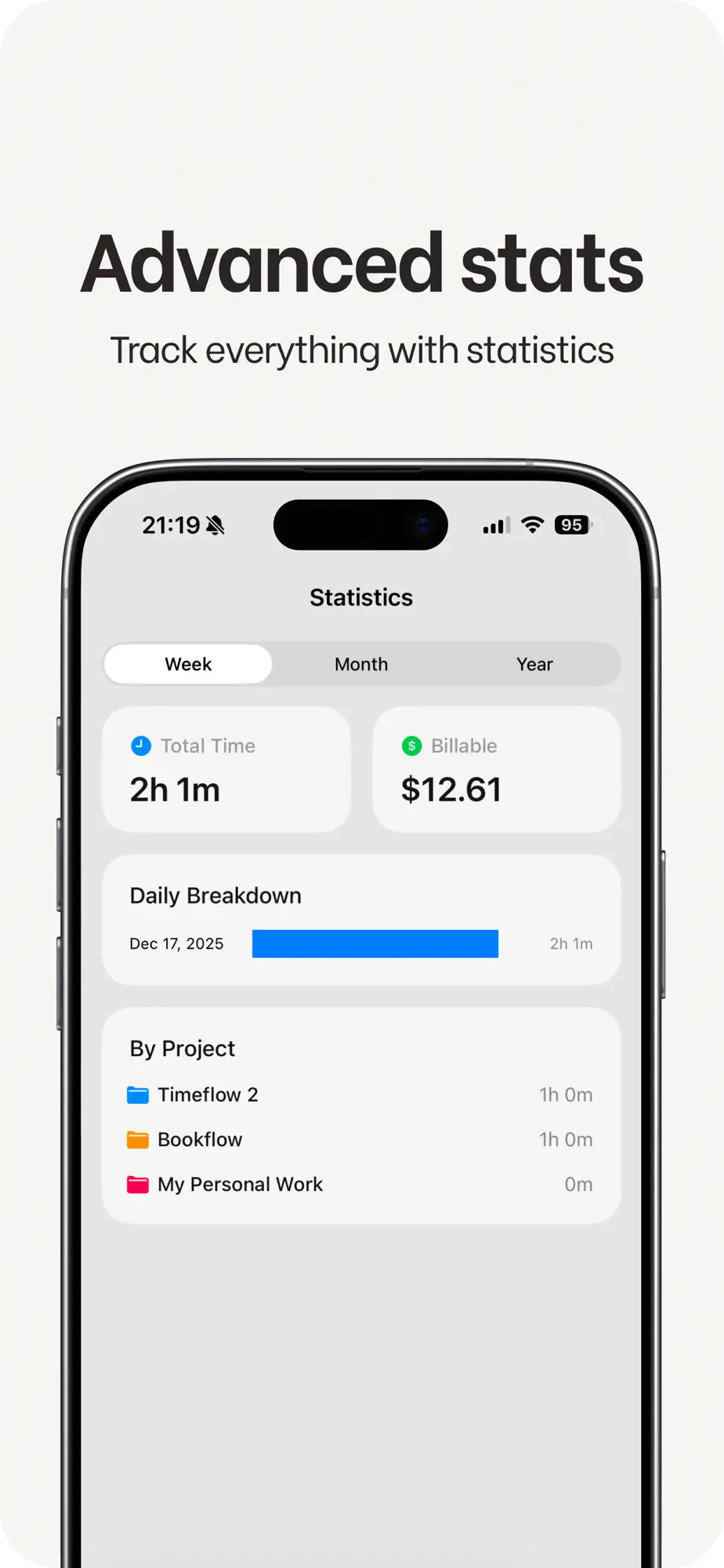
Stay motivated with statistics, daily goals and detailed performance insights, synced across all your devices.
Timer
Start the smart work timer when you begin and stop it when you’re done. Every session adds to your hours and your income.
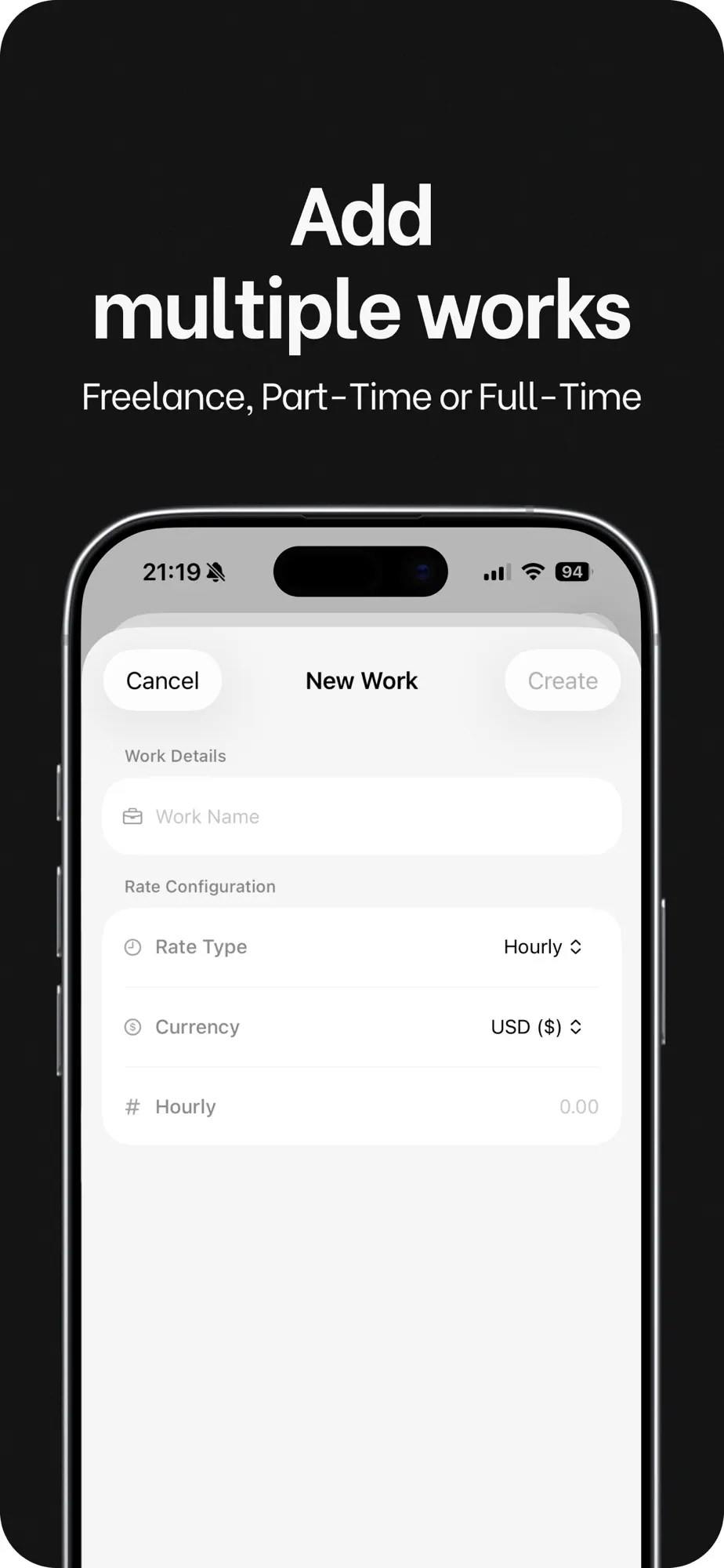
Works & rates
Add every work you do, freelance, part-time or full-time, each with its own rate.
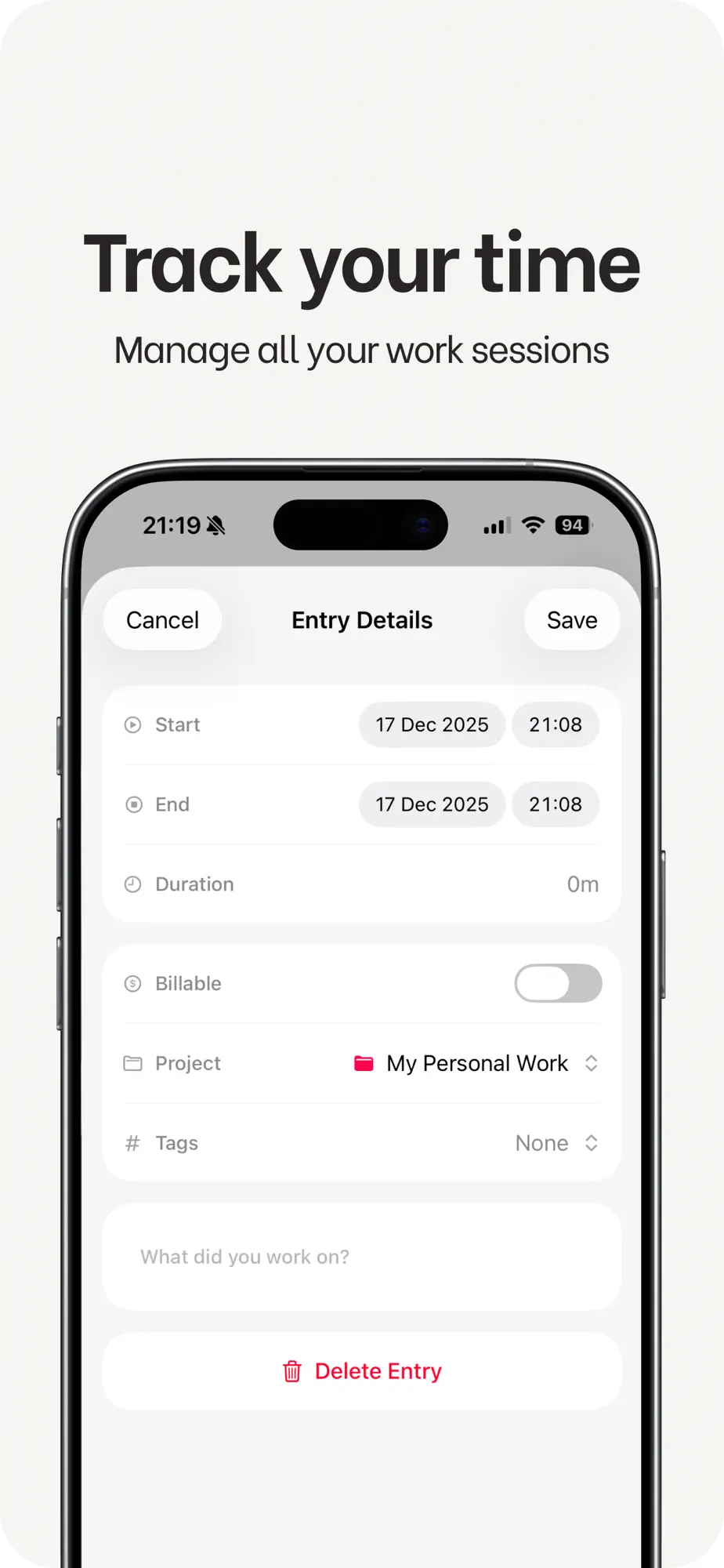
Sessions
Review and edit your work sessions any time, so your hours and earnings stay accurate.
Statistics
Advanced charts and insights show what each project earns, and daily goals keep you moving.
FAQ
Something else on your mind? Write to oaomeraslan@gmail.com
Anyone who wants to know how much time they put in and what it earns: freelancers, part-timers, remote workers and people paid per task.
Yes. Add as many works as you need, each with its own rate.
Yes. iCloud sync and backup keep your progress on all your devices, so you never lose it.
An iPhone or iPad with iOS 18 or later. Timeflow is free to download on the App Store.